Plan
A day that fits.
Study time around your classes, work, and breaks.
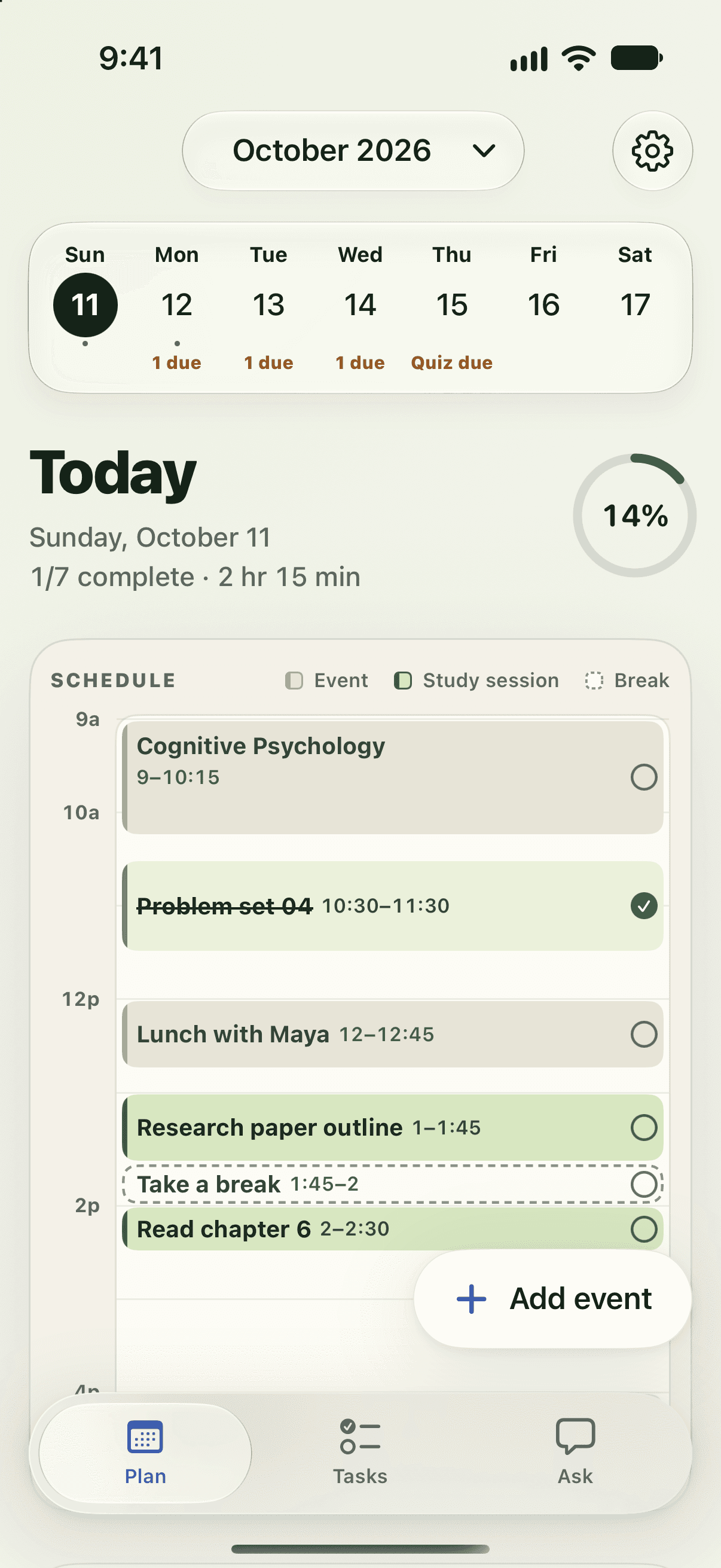
The whole planner
Deadlines from Canvas. Time around your life. One place to figure out what’s next.
Watch the feature walkthroughsStudy time around your classes, work, and breaks.
Your deadlines, priorities, and time estimates, together.
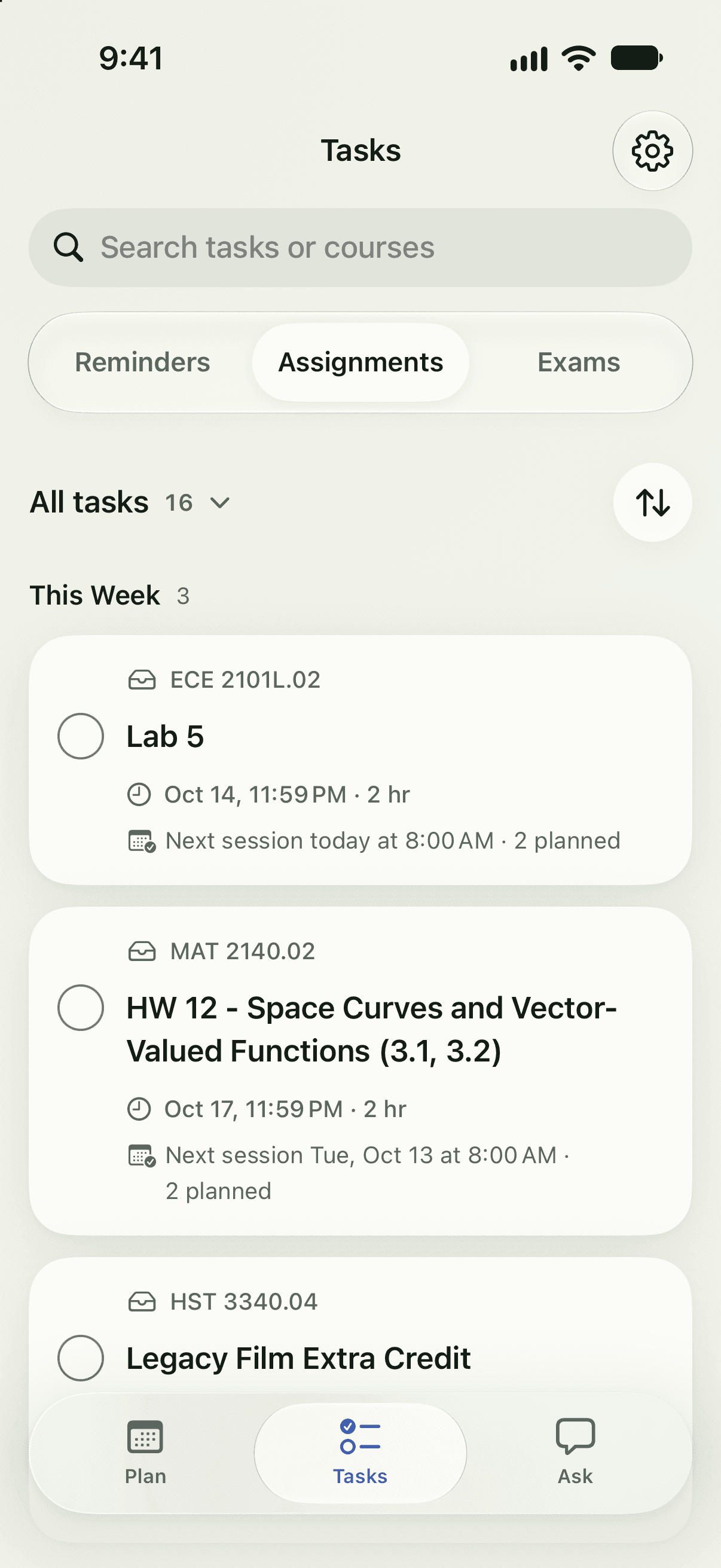
See upcoming exams—and the study time set aside.
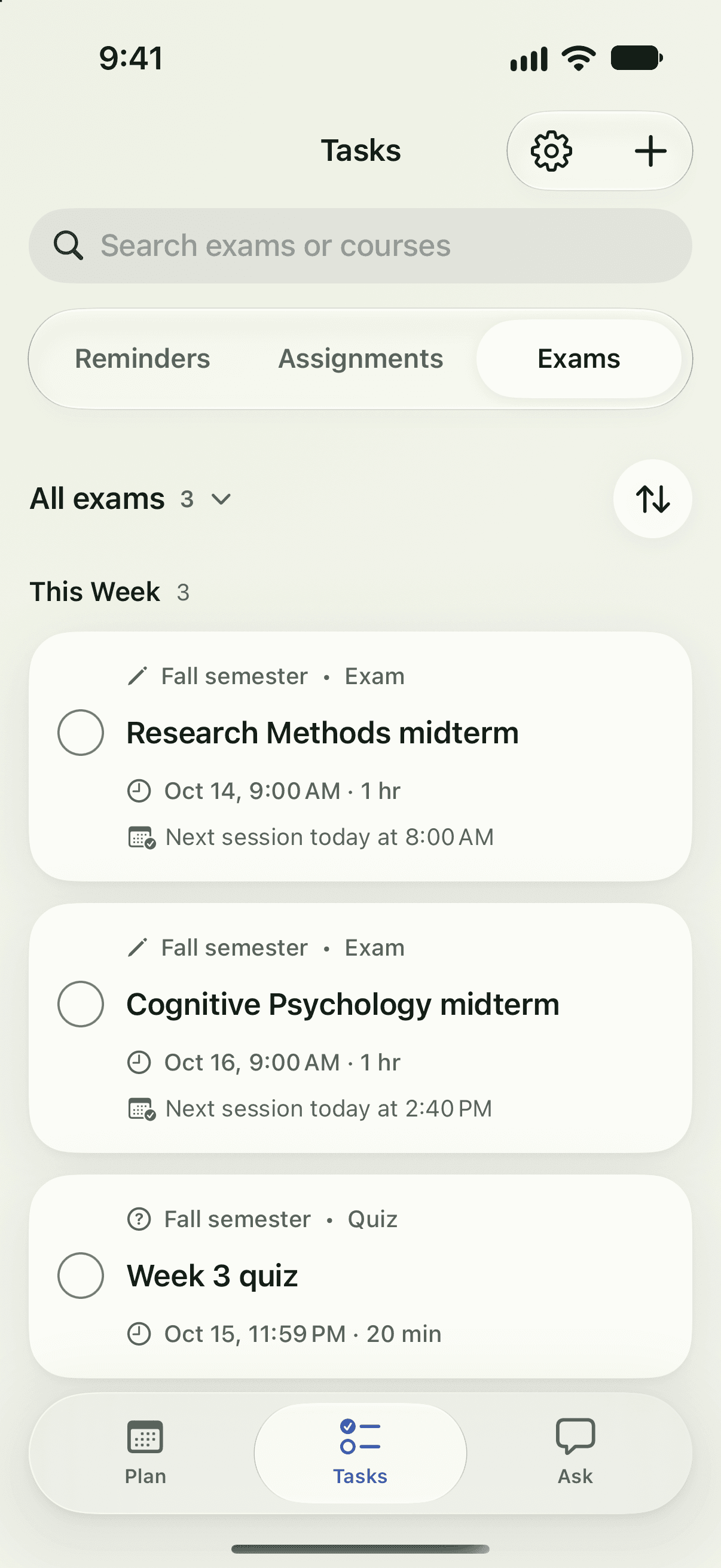
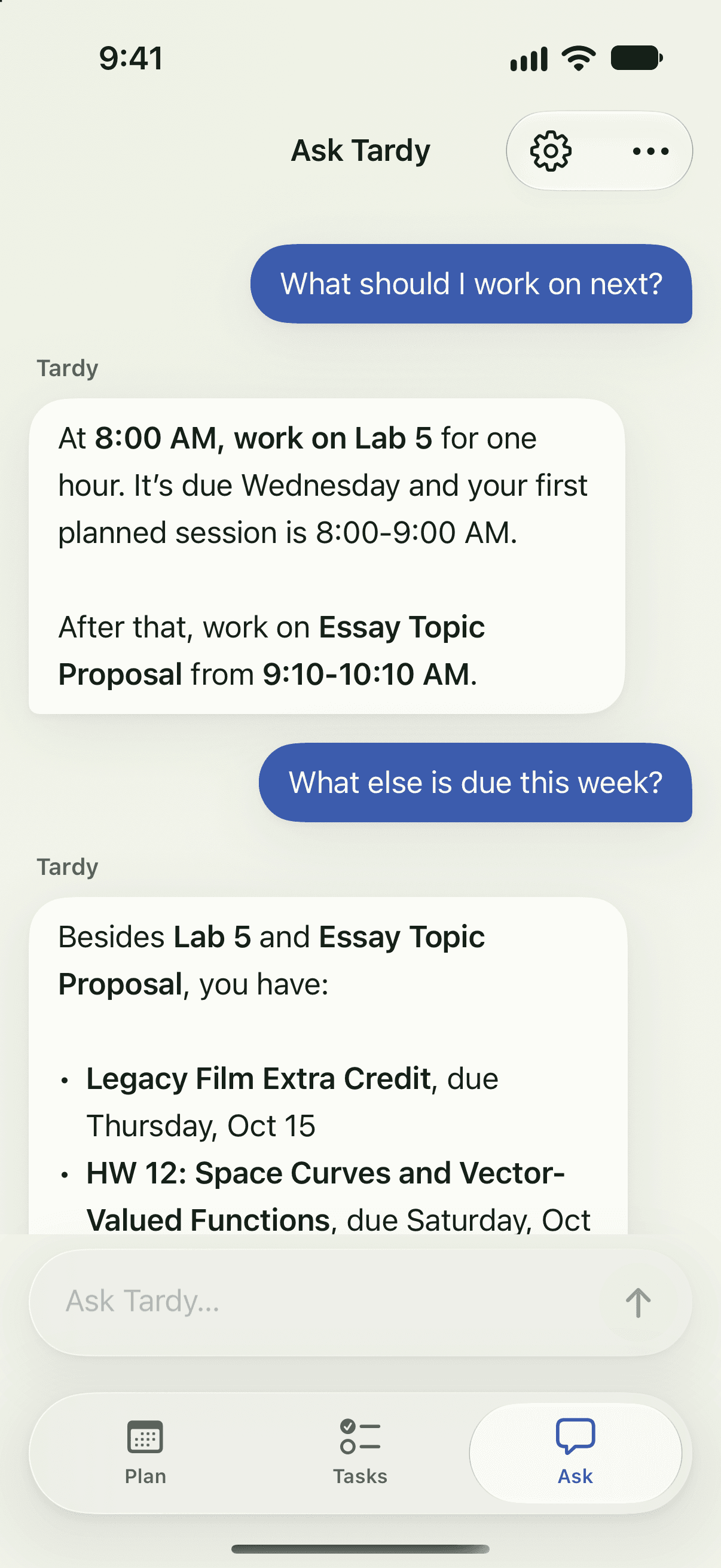
Get answers about your week. Review any proposed calendar changes.
See it in action
Watch the work turn into a plan.
Tell Tardy what changed.
The essay needs a new spot. You get the final say.
Your appointment fits. Your essay still has time.
Ask for a schedule change. Tardy proposes a new time; your calendar changes only after you approve.
Due dates only tell part of the story.
Priority brings the right work to the top.
Start with the lab report.
Tardy organizes your tasks by priority so you can see what to work on next.
Your exam dates are buried in the syllabus.
The important dates, pulled into view.
Review the details before adding them.
Tardy finds dates in your syllabus. Review the extracted details before adding them to your plan.
And these are just the instructions.
The key requirements, in a few lines.
A time estimate helps you plan. Check the original.
Tardy condenses assignment instructions and estimates study time. Check the original for full requirements.
It doesn’t have to be one long night.
Three manageable pieces of work.
Study time, spread across your week.
A four-hour assignment becomes three 80-minute study sessions, spread across your week.
Log how long the work actually took.
Your logged time informs the next estimate.
Still an estimate. Confidence builds with more history.
Log your actual study time to help future estimates reflect your pace. This example has very low confidence from one report.
The midterm is on your calendar.
Two hours of prep, split into two sessions.
Study on Monday and Tuesday. Exam on Wednesday.
See an upcoming exam and the study sessions set aside before it.
Your essay session is set for two.
A reminder, ten minutes before your session.
Your study time has arrived.
Choose a reminder for your study session. In this example, a notification arrives ten minutes before it starts.
Three study sessions. One at a time.
Finished sessions count toward your day.
A little proof of the work you put in.
As you finish study sessions, your daily progress updates so you can see what is done and what is left.
All the essentials, in one planner.
Assignments and due dates, brought in with your Canvas calendar link.
Study sessions around classes, shifts, and breaks. Your plan adjusts when events change.
Sort by priority, due date, or length. Estimates learn from the time you log.
Canvas exams and dates you add yourself, with study sessions before each one.
A quick read on the work ahead. Full instructions stay one tap away.
Find exams, office hours, and class schedules in a PDF or pasted text. Review before adding.
Questions about your work and schedule. Chat’s proposed calendar changes wait for your confirmation.
Heads-ups for study sessions and deadlines. Choose the reminders you want on your phone.
Check off sessions and review your day. Skipped study time goes back into the plan.
Your saved plan works offline. AI planning, chat, Canvas syncing, and scanners need internet. AI summaries and estimates can be wrong—check important details against your course materials. Tardy never submits or grades your work.
Public beta · US residents 18+ · iPhone + iPad